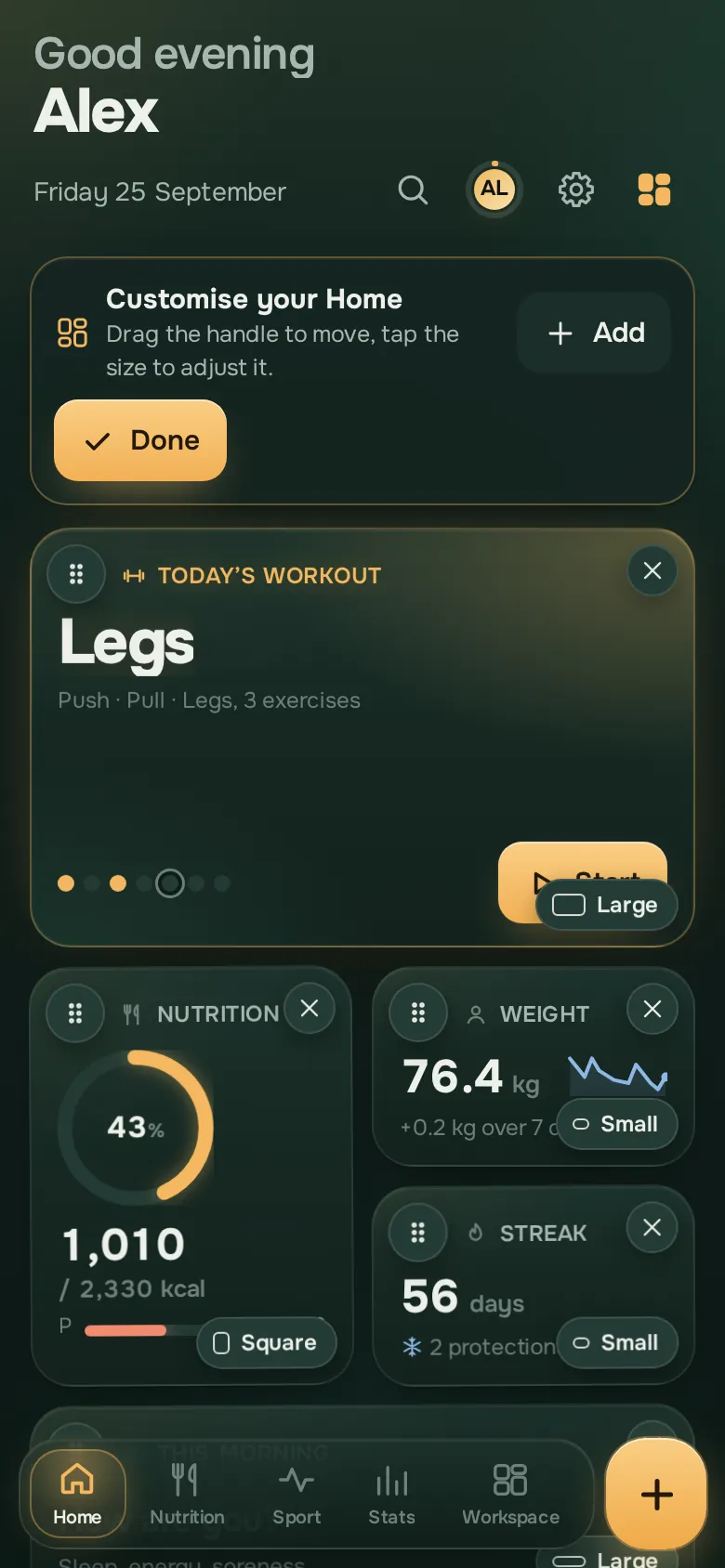
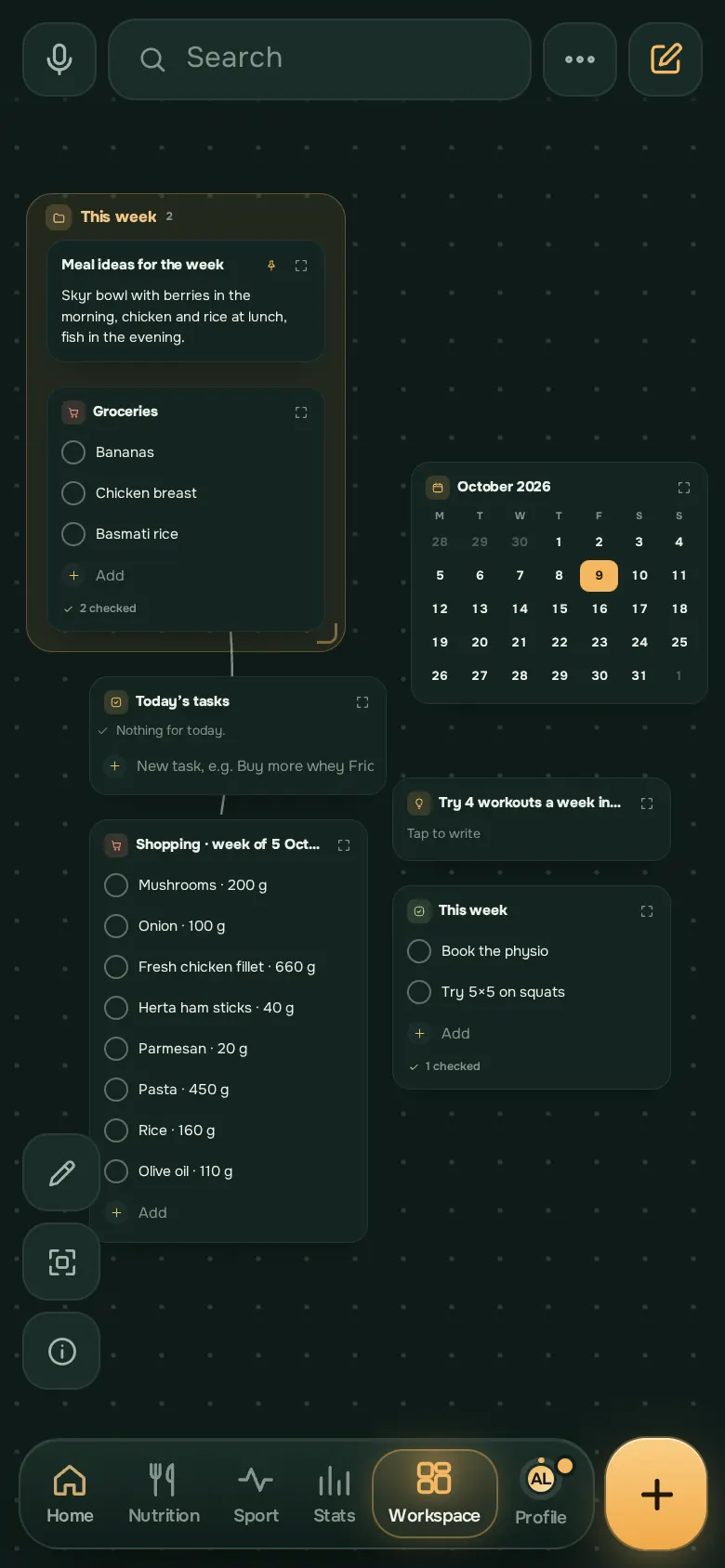
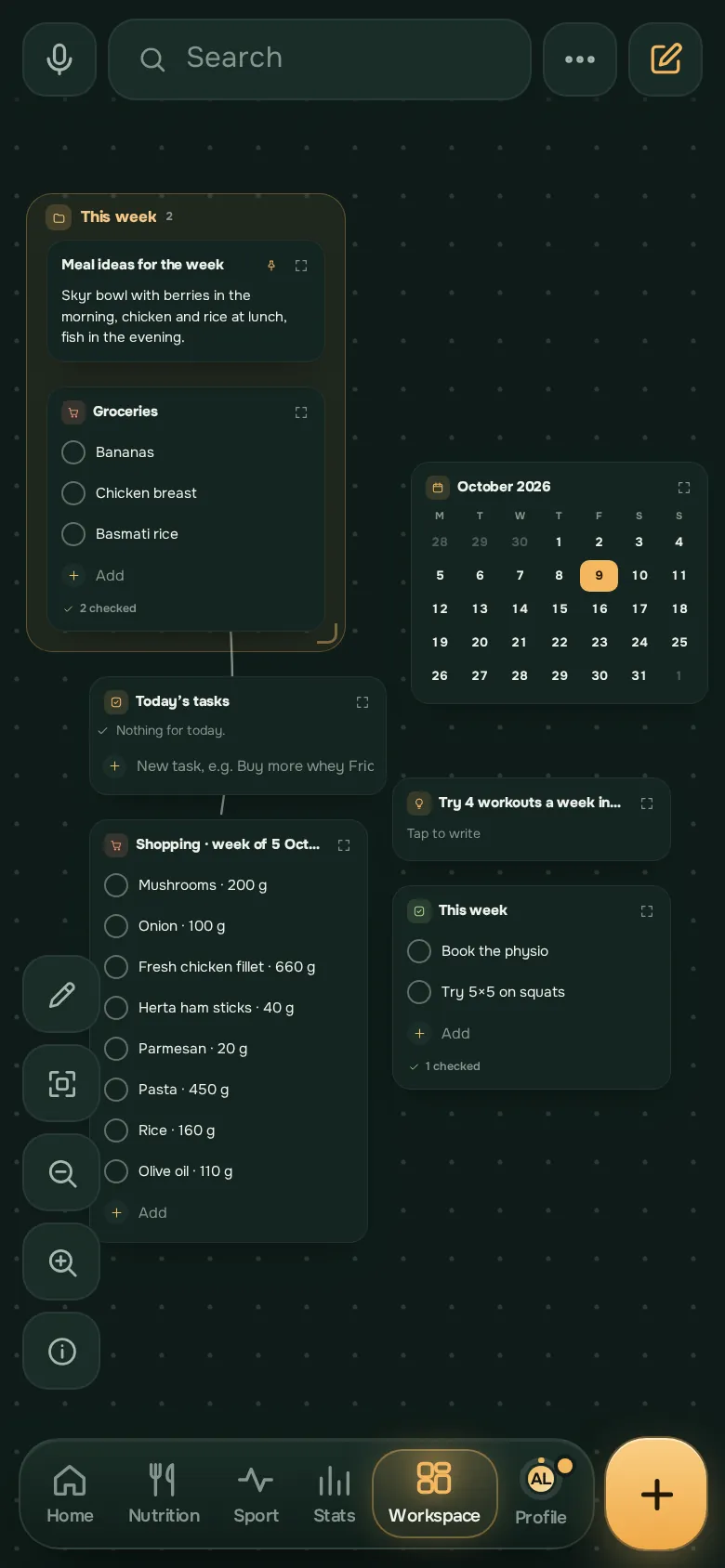
An infinite space
Place your notes as on a table, sort them into zones, link them with arrows, draw with your finger. Pinch to see everything at once.
- Notes, lists, zones, arrows and drawings
- Double-tap an empty spot to add something there
- Search takes you straight to the right note
Write, directly
Headings, lists, checkboxes, tables, links to another note, dates in plain language: the editor follows the way you write.
- Type / for a block, @ for a date or a page
- Voice notes and photos
- A note locked with a code, if you want
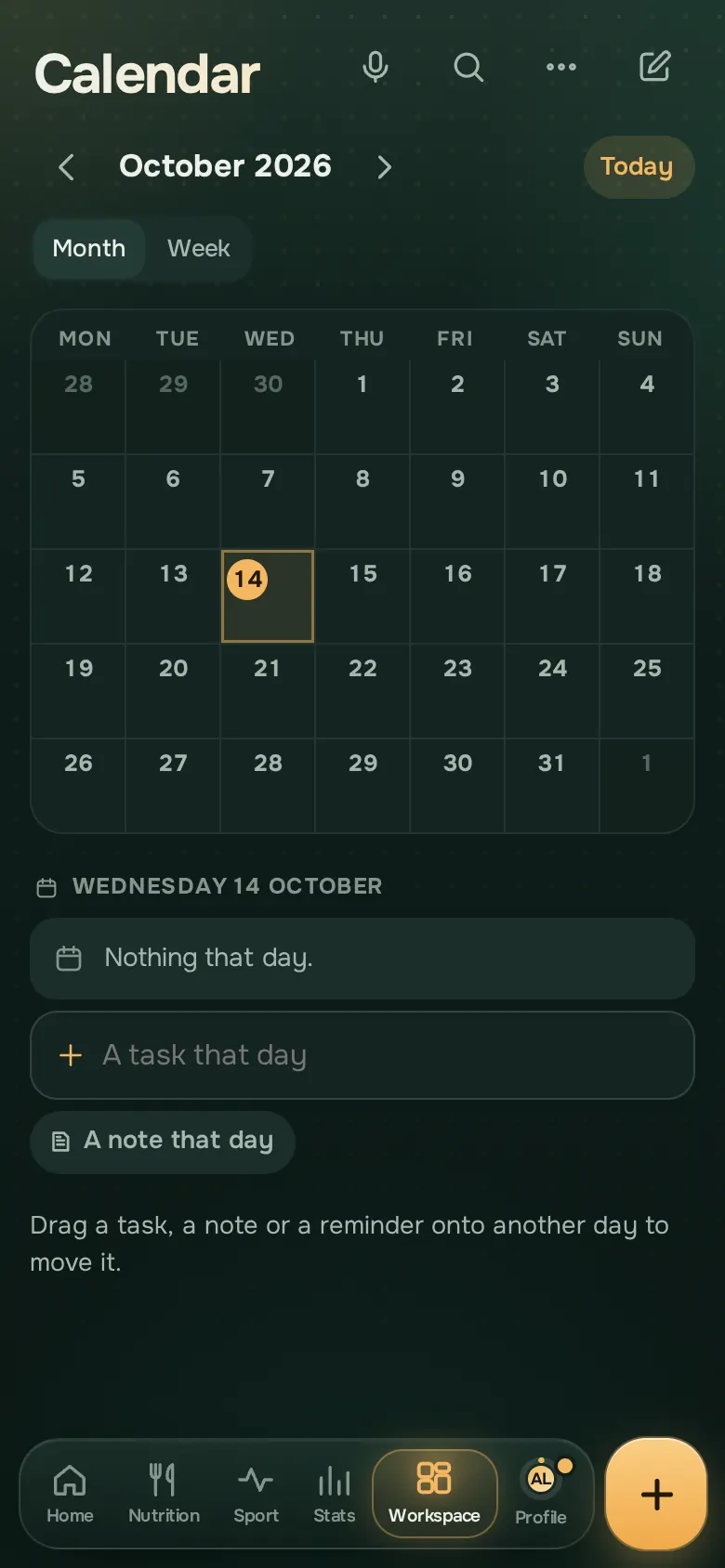
Tasks and the calendar
Write “call the physio on Friday”: the task lands on the right day. The calendar shows your tasks, your workouts and your planned meals.
- Today’s tasks, recurring tasks
- Reminders, even with the app closed
- Your live widgets: weight, calories, workouts
Together
A shopping list or a shared zone updates live on everyone’s phone, end-to-end encrypted.
- Lists shared live
- A zone shared with the people you choose
- Nobody else can read what is shared